Cursive Font Generator – Copy and Paste Cursive Text Free
You want cursive text. You do not want to download anything, install a font, or sign up for an account. That is exactly what a cursive font generator is for — and this guide will show you how to use one, which styles work best for which platforms, and what is actually happening behind the scenes when you copy that script text.
Pinned & recent
tap to copyWhat Is a Cursive Font Generator?
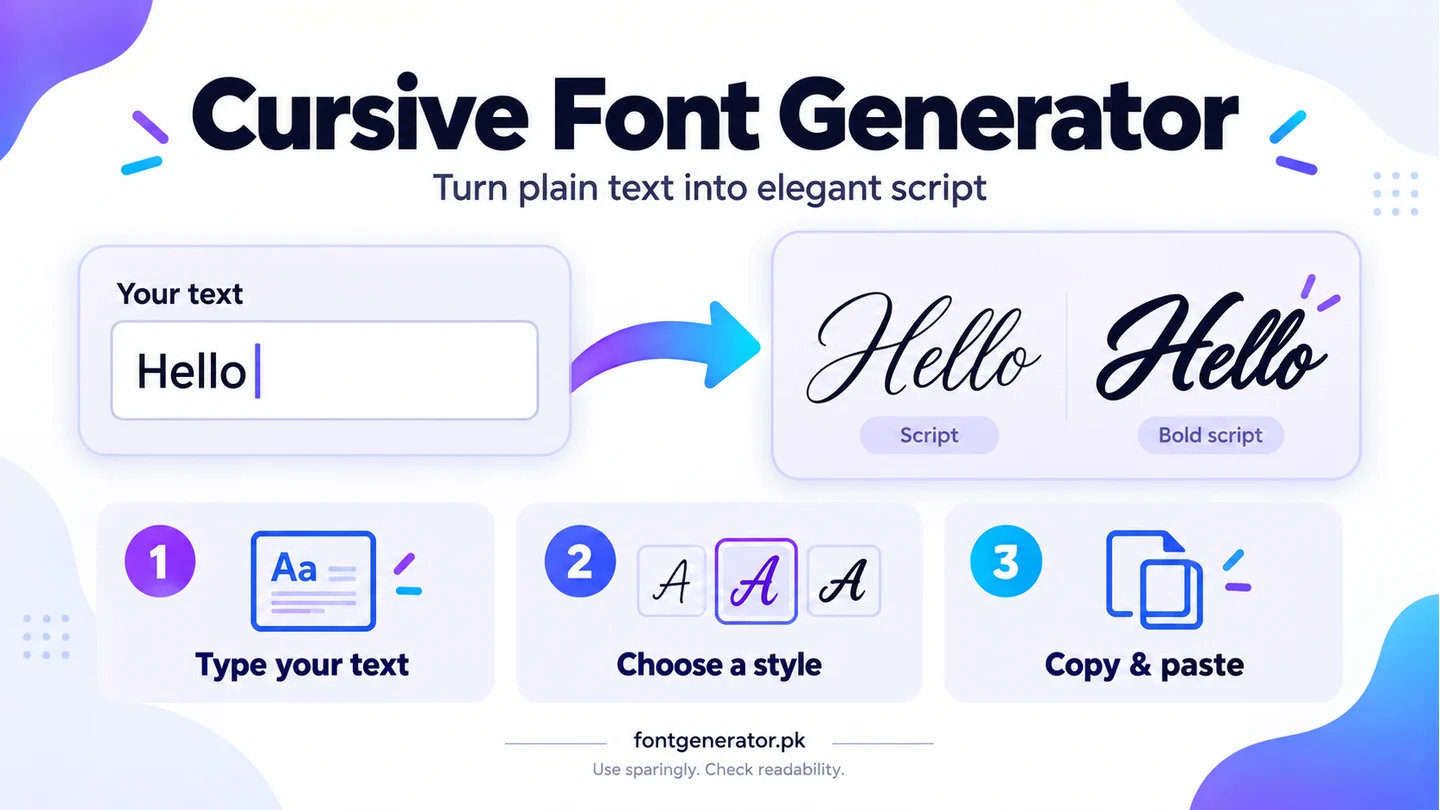
A cursive font generator is an online tool that converts your plain text into Unicode cursive characters. You type regular letters, and the tool outputs stylized script versions of those letters — characters that look like handwritten cursive or calligraphy.
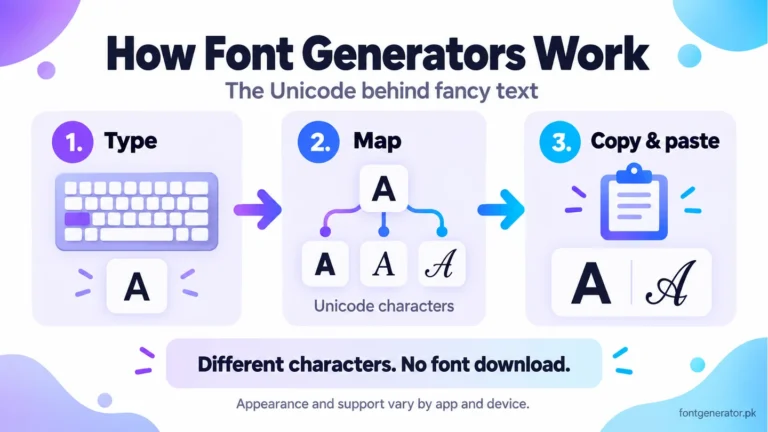
These are Unicode characters, not font files. Script and bold-script characters are documented in the official Mathematical Alphanumeric Symbols chart (PDF). They can be copied as text, though rendering depends on the destination app and device. Our guide to how font generators work explains the difference.
The Different Types of Cursive Fonts You Can Generate
Not all cursive looks the same. There are several Unicode cursive script styles, each with a different personality and use case.
Script / Italic Cursive
This is the classic flowing style. Letters are slightly slanted and connected-looking. It reads easily and works well for Instagram bios, Twitter bios, and Facebook name fields.
Bold Cursive
Same flowing style but heavier. The strokes are thicker, making it stand out more in headlines, profile names, and captions where you want immediate visual impact.
Calligraphy Cursive
Thin-to-thick strokes that mimic actual pen calligraphy. Great for aesthetic content, wedding-themed captions, and any post that needs an elegant, handcrafted feel.
Double-Struck Cursive
A mathematical notation style that uses double strokes on each letter. Originally designed for use in academic writing, it has become popular in aesthetic Instagram and Tumblr content.
How to Use the Cursive Font Generator on This Site
Using it takes about ten seconds. Here is the exact process:
- Go to the Font Generator on this site.
- Type or paste your text into the input box at the top of the page.
- Click the Cursive filter tab to show only cursive styles.
- Find the cursive style you like.
- Tap it to copy the text automatically.
- Paste it wherever you need it.
That is it. No registration. No watermarks. Unlimited generations.
Where Does Cursive Font Text Work Best?
Instagram Bios and Captions
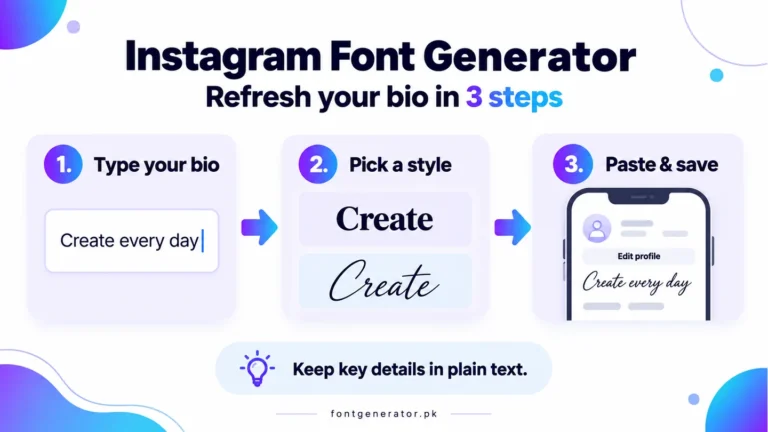
Instagram does not let you change the font of your bio text in the app. But Unicode cursive characters display perfectly in the bio field because Instagram is built on a Unicode-compliant text system. Millions of creators use this to make their bios stand out from the default font. It also works in captions and comments. Follow our Instagram bio formatting guide for placement tips and copy-and-paste steps.
Discord Usernames and Server Bios
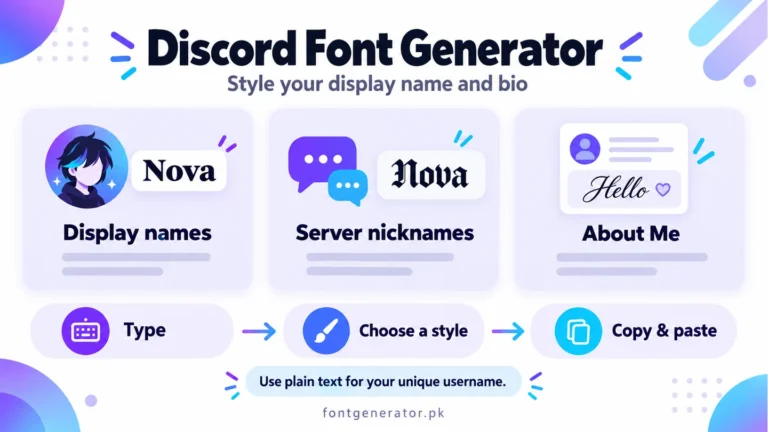
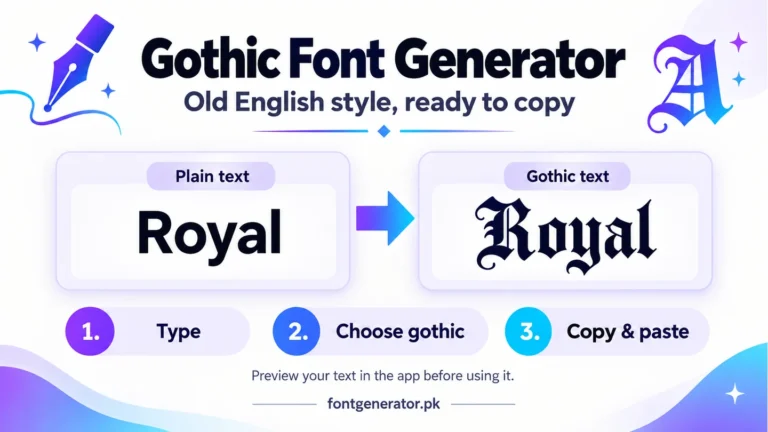
Cursive characters can be used in Discord display names and server nicknames where supported. They are different from unique usernames, which have stricter character limits. Our Discord font guide explains the fields. For a heavier alternative, compare gothic text styles.
WhatsApp Messages and Status
WhatsApp supports Unicode text in messages, status updates, and group names. A WhatsApp status written in cursive script catches attention before anyone reads a single word.
TikTok Bios and Video Descriptions
TikTok bios are short — 80 characters. Every character counts. Cursive text adds visual variety that makes your bio feel intentional and stylized without using any of your limited character count on graphics.
Twitter / X Profiles
Twitter/X renders Unicode characters in display names and bios. Many high-follower accounts use cursive or stylized text in their display names to create a more polished, brand-like identity.
Why This Is Not a Real Font Change
Here is something worth understanding. When you use a cursive font generator, you are not installing a font or applying formatting. You are using a different set of characters that look like a different font.
The Unicode Standard contains over 140,000 characters. Within that set, there are dedicated blocks for mathematical script letters, bold script letters, and italic script letters — all of which look like cursive when rendered. These are their own separate characters in the Unicode table, just like how the fire emoji is its own character. This is why cursive text generated here works everywhere text is supported, without any font being installed on the receiving device.
Common Questions About Cursive Text Generators
Does cursive text affect SEO if I use it on a website?
Yes, and not in a good way if overused. Search engines read Unicode text characters, but mathematical script letters are indexed differently than standard ASCII letters. For body content on web pages, stick to regular text. Use cursive Unicode text for headings, logos, or social media only — not for paragraphs Google needs to index.
Will cursive Unicode text copy-paste from PDF?
It depends on how the PDF was created. PDFs with proper Unicode mapping will preserve the cursive characters when you copy text from them. PDFs that were scanned or rendered as images will not.
Can I use cursive text in a game like PUBG or Free Fire?
Most mobile games use Unicode-compatible text fields for player names. In PUBG Mobile, Free Fire, and similar games, Unicode cursive characters paste into the name field and display correctly in the game. Some games restrict certain Unicode ranges — if a character pastes as a box or question mark, it means that specific character is outside the game’s supported range.
Does cursive font text work on Snapchat?
Snapchat display names and bios support Unicode characters. You can paste cursive text into your Snapchat username or bio and it will display correctly for anyone who views your profile.
Tips for Using Cursive Text Effectively
Use it sparingly. Cursive text works because it stands out from regular text. If your entire bio is in cursive, nothing stands out anymore. Mix one line of cursive with regular text for the best visual result.
Test readability on mobile. Some cursive Unicode styles are harder to read at small sizes on a phone screen. Always check how the text looks on a mobile device before publishing it.
Avoid using it in email subject lines. Email clients vary in their Unicode support. Cursive characters can render as garbled characters or question marks in some email apps, especially on older Android or Windows systems.
Pair it with the right content. Cursive suggests elegance, creativity, and a personal touch in most cultural contexts. It works well for lifestyle, beauty, fashion, food, and wellness content. It is less appropriate for technical, corporate, or news-based content.
Final Thought
A cursive font generator is one of the simplest tools you can use to make your text look more distinctive online. No app. No subscription. No design skills. You type, you copy, you paste. The cursive text works because it relies on a 30-year-old universal standard that every device on the planet supports. Use it well and it makes a real difference in how your profile or message looks.
Head to the font generator tool and try the cursive styles now.