Instagram Font Generator – Change Your Bio Font Without Any App
Instagram gives you one font for everything — their default system font. Your bio, your captions, your name field — all the same. There is no built-in option to change it. But millions of creators and personal accounts have figured out a workaround, and it is simpler than most people expect.
The trick is a free online Instagram font generator. You generate stylized text, copy it, and paste it directly into Instagram. No app downloads. No third-party login. No hack. Just copy and paste Unicode text that Instagram’s system renders as a different font style.
Pinned & recent
tap to copyWhy Instagram Does Not Let You Change Fonts
Instagram controls the visual design of the platform. Allowing custom fonts in the app would create inconsistency across the product and make content moderation harder. So they lock the interface to one typeface.
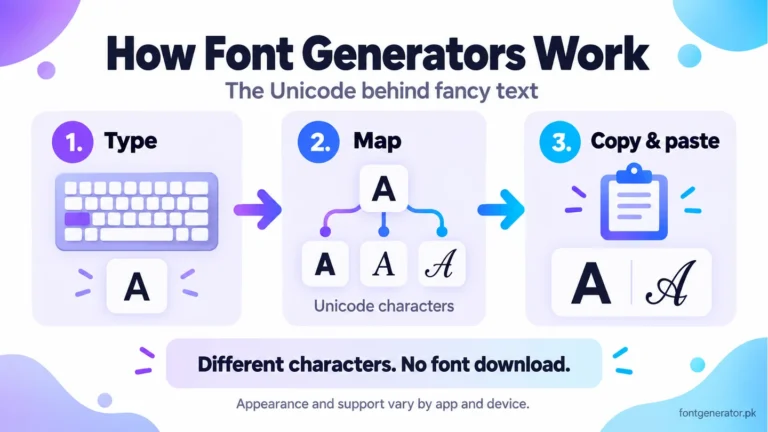
Generated styles use Unicode characters rather than installing a font in Instagram. Support can vary by character, device, and profile field. Read how font generators work for the technical explanation.
An Instagram font generator bridges that gap. It gives you access to those Unicode characters in a format you can copy and paste.
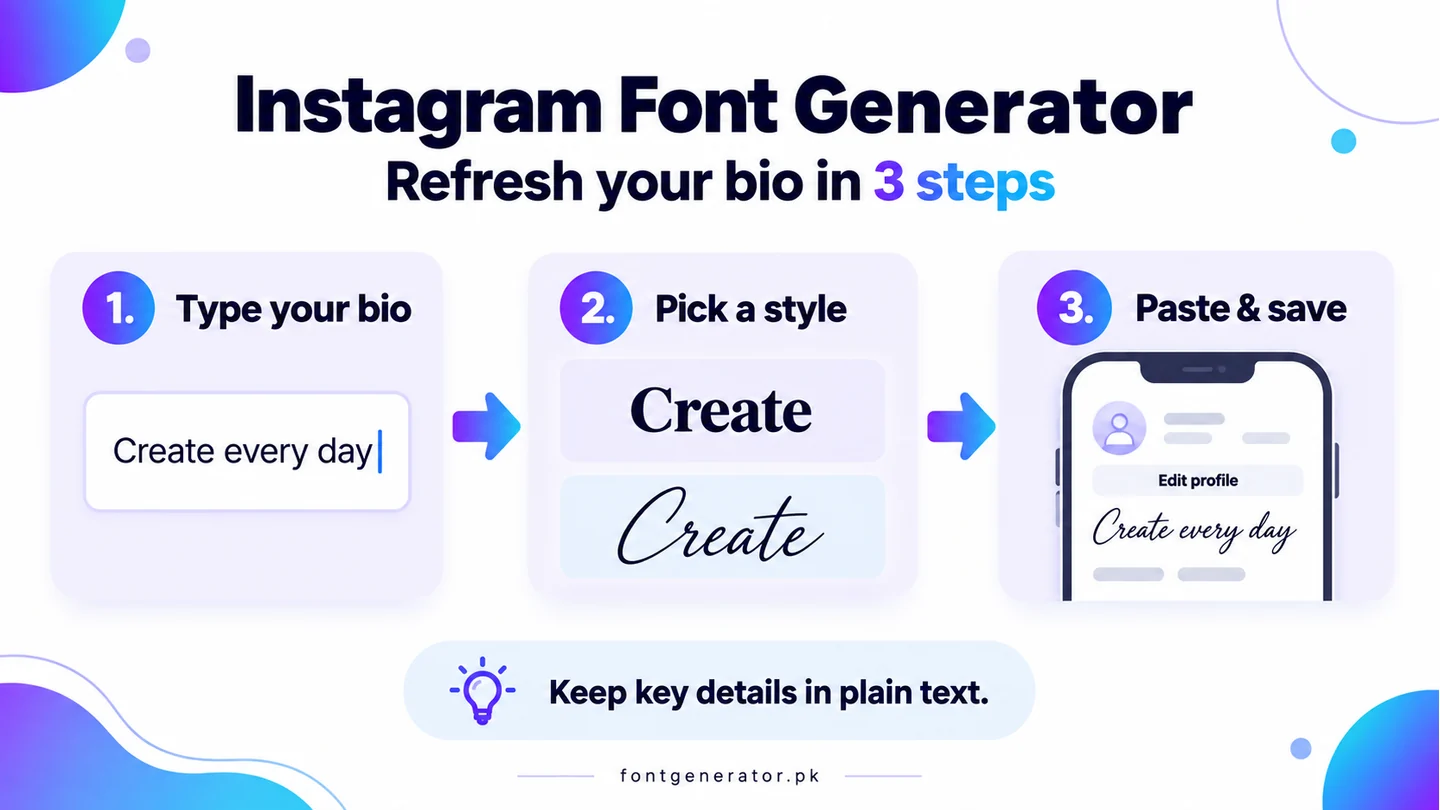
How to Change Your Instagram Bio Font in 3 Steps
- Go to fontgenerator.pk on your phone or desktop browser.
- Type the text you want to appear in your Instagram bio.
- Choose a font style from the results — cursive, bold, gothic, bubble, or any other style you want.
- Tap the result to copy it automatically.
- Open Instagram, go to Edit Profile, and paste it into the Bio field.
- Save your profile.
That is the complete process. You do not need an app, a browser extension, or an Instagram-specific tool. Any font generator that uses Unicode characters will produce text that works in Instagram.
Which Font Styles Work in Instagram?
Almost all Unicode font styles generated by this tool work in Instagram’s bio, name, and caption fields. Here are the most popular ones:
Cursive / Script
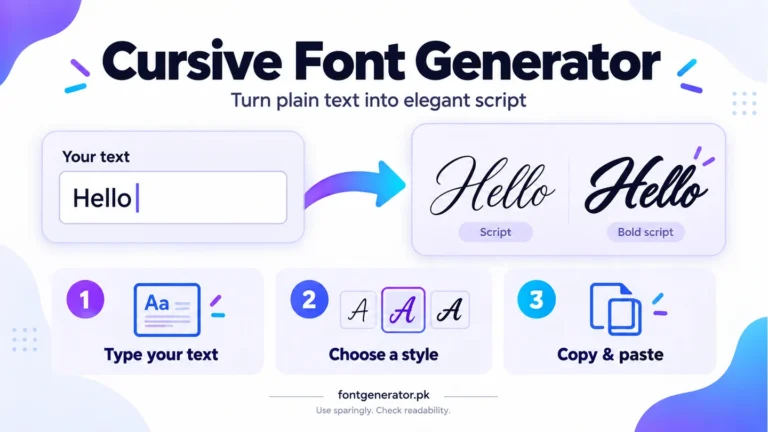
The most popular choice for Instagram bios. It looks elegant and personal. Lifestyle creators, beauty influencers, and fashion accounts use this style constantly. It works in both the bio text and the name field — the bold field that appears above the username. Compare examples in our cursive font guide, or try the gothic text guide for a more angular style.
Bold Serif
Strong, confident, and easy to read. Good for personal brands, coaches, and anyone who wants their bio to feel authoritative. Bold serif Unicode text stands out in the bio without being overly decorative.
Bubble Text
Each letter appears in a circle. Playful and immediately eye-catching. Works well for entertainment creators, gamers, and anyone with a lighthearted brand identity.
Gothic / Old English
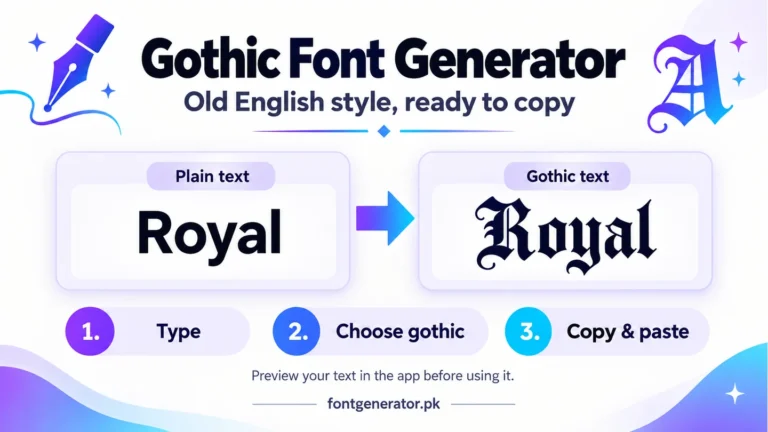
Medieval-style lettering. Popular with streetwear, tattoo culture, metal music, and urban fashion. Often seen in Instagram name fields for accounts with a dark or alternative aesthetic.
Aesthetic Small Text
Tiny superscript and subscript characters arranged to look like small text. Popular in the aesthetic Instagram community. Often used alongside larger regular text to create visual contrast in the bio.
Strikethrough and Underline
Combining characters that add strikethrough lines or underlines to text. Sometimes used for comedic effect, sometimes for a stylized editorial look.
Instagram Bio vs. Name Field vs. Captions: What Is Different?
The Name Field
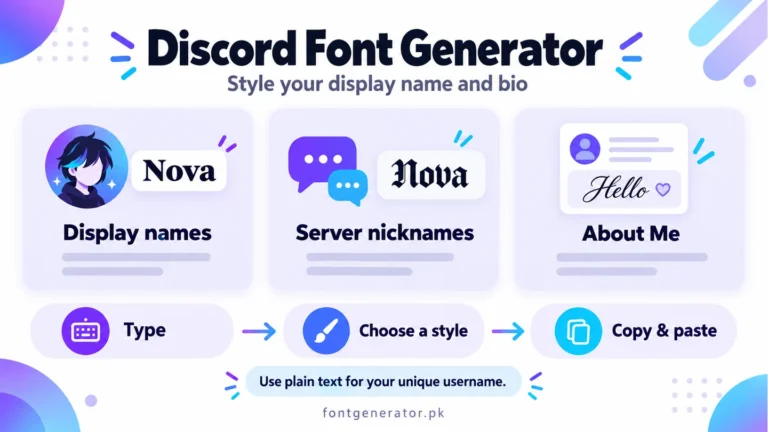
This is the bold line that appears at the top of your Instagram profile, above your username. It is searchable — meaning the text you put here can help people find you in Instagram search. Unicode font styles work here. Many creators put their niche or a stylized version of their name in this field to stand out.
The Bio Field
The bio is where most people use custom font styles. You have 150 characters to work with. Unicode text characters count toward that limit the same way regular characters do. Use stylized text for headline-style statements in your bio, and keep the rest in regular text for readability.
Captions
You can paste Unicode font text into post captions. Some creators use bold Unicode text to highlight key lines or CTAs in their captions. This can improve readability for long captions by breaking up visual blocks of text.
Comments
Unicode text works in Instagram comments too. Some creators reply to comments with stylized text as a branding move. It also works in comment threads when you want to emphasize something.
Does Using a Font Generator Violate Instagram’s Terms of Service?
No. You are not accessing Instagram’s private API. You are not using a bot. You are not modifying any Instagram code. You are simply typing different characters into a text field, which is exactly what Instagram allows.
The Unicode characters you are pasting are standard text characters. Instagram’s system treats them as text. There is nothing in Instagram’s Terms of Service that prohibits using Unicode characters in profile fields or captions. Millions of accounts do this every day without any consequences.
Real Instagram Use Cases Worth Knowing
Creator Bio Formatting
Many high-follower Instagram accounts use a combination of Unicode bullet points, stylized headers, and emoji to structure their bio into readable sections. For example, a fitness coach might use a bold Unicode header for their title, regular text for credentials, and a cursive line for their CTA.
Business Account Bios
Business accounts on Instagram can use Unicode text in the bio field just like personal accounts. A small business might use bold text to make their service offering stand out, or use a specific font style that aligns with their brand aesthetic.
Event Promotions in Captions
Using bold or stylized Unicode text for a key date, offer, or headline in a caption draws the reader’s eye immediately. This is a low-effort way to improve caption engagement without relying on graphic design tools.
Font Styles That Do Not Work in Instagram
A small number of Unicode characters are not supported in all apps. If you paste a character and it appears as a small box or a question mark in Instagram, that specific character is outside Instagram’s supported Unicode range. This is uncommon — the vast majority of styles generated here work fine — but worth knowing. If a style does not display correctly, try a different one. There are over 100 styles in the generator.
How to Make Your Instagram Bio Look Good
Lead with your value proposition. The first line of your bio is what people read first and remember longest. Make it specific. “Fashion stylist helping women dress with confidence” is better than “fashion lover.”
Use line breaks. Instagram bios that run as one paragraph are harder to scan than bios broken into short lines. Create line breaks in your bio by typing the text in your phone’s Notes app first, adding the Unicode text there, and then copy-pasting the full formatted bio into Instagram.
End with a CTA. Your last line should tell people what to do next — visit your link, DM you, or use a code. A cursive or bold Unicode style on this line draws the eye toward the action.
Do not stylize everything. One or two lines in a different font style is distinctive. An entire bio in multiple styles looks cluttered and is hard to read. Pick one style and use it intentionally. Keep important information in ordinary text and follow W3C’s accessible-writing guidance.
Start Customizing Your Instagram Bio Now
Your Instagram bio is one of the most-viewed pieces of text you control. It appears every time someone checks your profile, every time you show up in search results, and every time someone decides whether to follow you or keep scrolling.
A custom font style does not replace great content, but it does give your profile a visual identity that regular accounts do not have. Use our free font generator to find the style that fits your brand, copy it in one tap, and update your Instagram bio today.