Gothic Font Generator – Old English and Medieval Text Free
Gothic text has a visual weight that almost nothing else matches. The thick strokes, the sharp serifs, the medieval letterforms — it communicates a specific attitude before anyone reads a single word. If you want to use gothic or Old English text on your social media profile, in a game name, or anywhere else, a gothic font generator gives you instant access without installing a single file.
Pinned & recent
tap to copyWhat Is Gothic Text?
In typography, the term “gothic” covers a wide range of historical letterforms. What most people picture when they hear “gothic font” is blackletter — the dense, angular script used in medieval European manuscripts and early printed books like the Gutenberg Bible (1450s).
Blackletter includes several sub-styles:
- Textura — the most formal and dense blackletter, used in religious manuscripts
- Fraktur — the German variant, slightly more open and readable
- Schwabacher — rounder than Textura, popular in early German printing
- Old English / Anglo-Saxon — the style most recognizable in modern pop culture, used in newspaper mastheads like The New York Times
When people say “gothic font,” they almost always mean blackletter or Old English style. That is what gothic font generators produce.
How a Gothic Font Generator Works
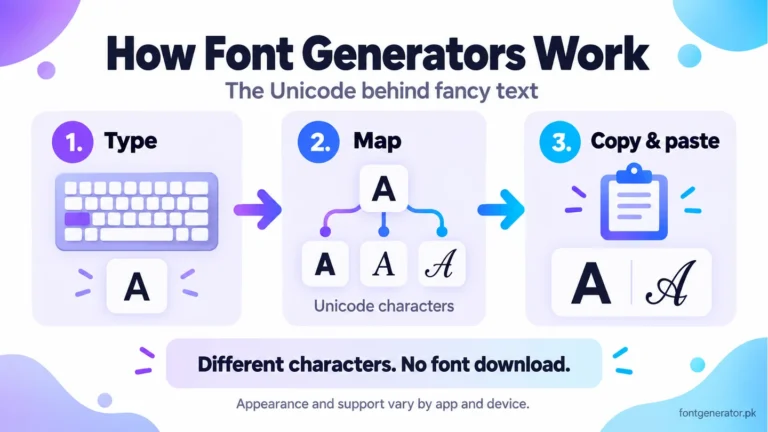
The Unicode Mathematical Alphanumeric Symbols chart (PDF) includes Fraktur letters used to produce blackletter-style text. Some legacy letter forms are in Letterlike Symbols. Appearance depends on the receiving device’s fonts. Our guide to how font generators work explains this mapping.
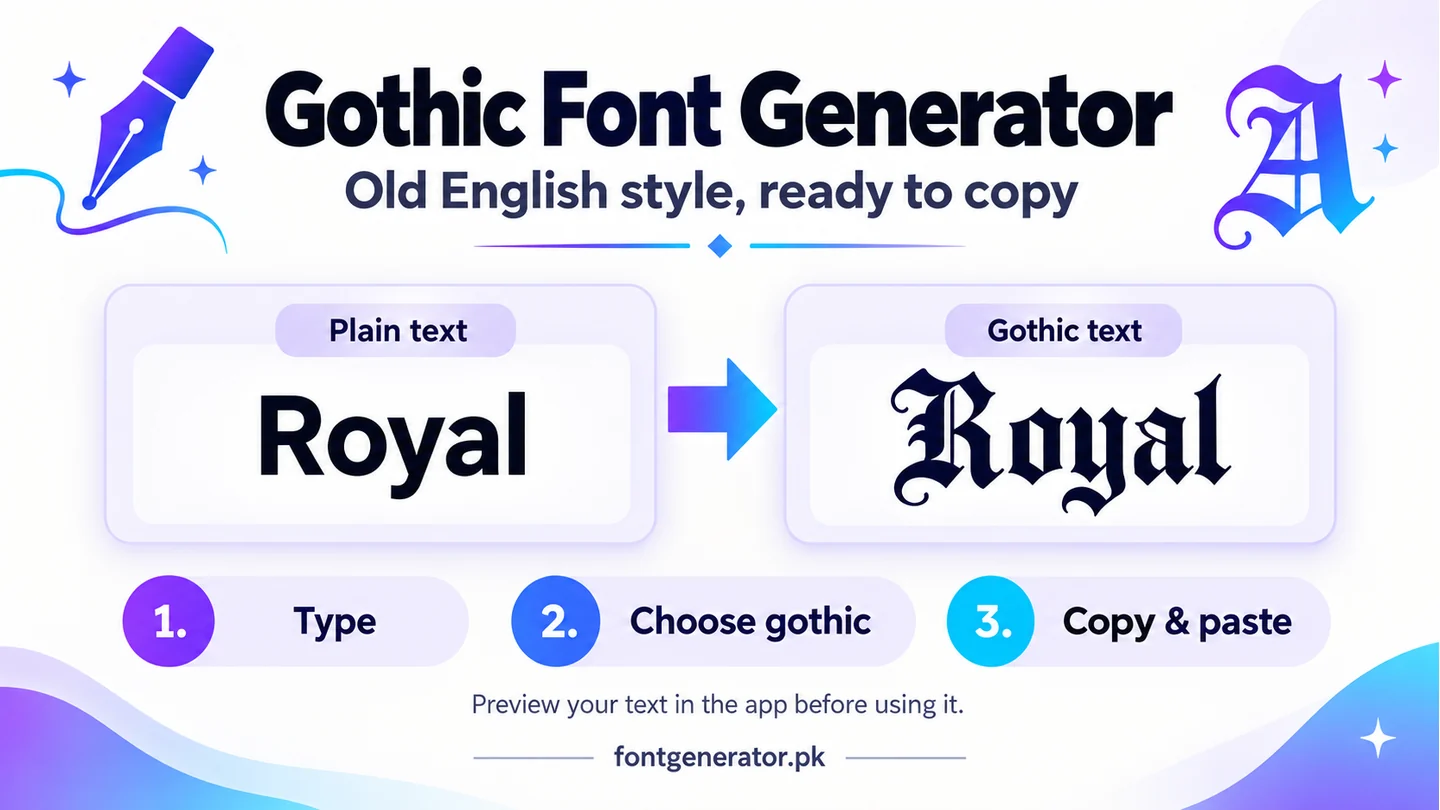
When you use a gothic font generator, you type regular letters (A to Z, a to z) and the tool maps each letter to its corresponding Unicode Fraktur character. The result looks like gothic text but behaves exactly like regular text — it copies, pastes, and displays on any Unicode-compatible platform without requiring any font installation.
To use the gothic generator on this site: visit the font generator tool, type your text, and click the “Old English” or “Gothic” filter to see the relevant styles. Tap any result to copy it.
Where Is Gothic Text Most Used?
Instagram and Social Media Profiles
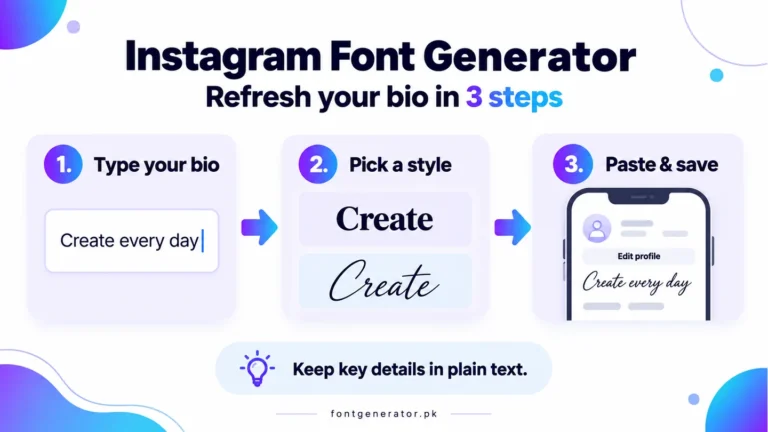
Gothic text in an Instagram bio or name field signals a very specific aesthetic — dark, alternative, metal, streetwear, tattoo culture, or vintage. Accounts in the gothic subculture, horror community, heavy metal music space, and urban streetwear space use this style consistently. It creates an immediate visual identity that regular text cannot replicate.
Gaming Usernames and Clan Tags
Gothic Unicode text is extremely popular in gaming. In games like PUBG Mobile, Free Fire, Call of Duty Mobile, and similar titles where Unicode names are supported, Fraktur characters create a menacing, powerful-looking username. Clan names and guild tags often use gothic text because it has a visual authority that regular text lacks.
Tattoo Design Reference
Many people use gothic font generators to visualize what a word or phrase would look like in a blackletter or Old English tattoo before committing to the design. It gives a quick preview of how the text will read in that style. Of course, a final tattoo design should always be drawn by a professional tattoo artist, but the generator is useful as a starting point for word selection and layout.
Discord Server Names and Usernames
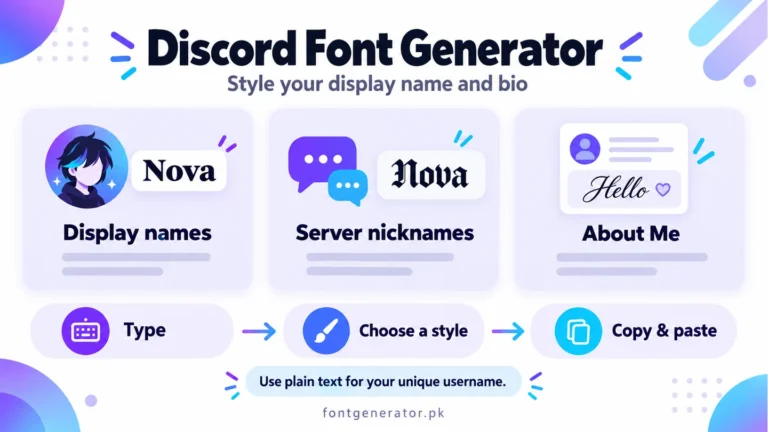
For server profiles, follow our Discord display-name guide and check Discord’s official naming rules. Decorative text can be used in display names where supported; unique usernames have stricter character rules.
Music and Band Aesthetics
Blackletter and gothic fonts have a deep history in heavy metal music. Bands like Metallica, Black Sabbath, and AC/DC built their visual identity on these letterforms. Musicians and fans use gothic font generators to create logos, social media headers, and profile text that align with that tradition.
Gothic vs. Old English: Is There a Difference?
People use these terms interchangeably in modern usage, but they are technically different things.
Gothic in a typographic context usually refers to blackletter as a broad category, or sometimes to sans-serif typefaces — the older American usage for what Europeans call “grotesque” fonts, like Helvetica.
Old English specifically refers to the blackletter style used in early English manuscripts and printing. It is what most people visualize when they think of gothic text — the style seen in newspaper mastheads, tattoos, and metal band logos.
For practical purposes, when you use a gothic or Old English font generator, you are getting the same category of result: blackletter-style Unicode characters.
Which Unicode Block Produces Gothic Text?
The Unicode Fraktur block (Mathematical Fraktur) is the primary source of gothic-looking characters. It contains:
- U+1D504 to U+1D537: Mathematical Fraktur Capital and Small Letters
- U+1D56C to U+1D59F: Mathematical Bold Fraktur Capital and Small Letters
Note that not every letter has a dedicated Fraktur Unicode character. Some mathematical letters use pre-existing Unicode characters for historical reasons. A good gothic font generator handles these exceptions automatically by substituting the closest available character.
Tips for Using Gothic Text Effectively
Match it to your audience. Gothic text communicates a specific cultural signal. If your audience is in the heavy metal, streetwear, goth, or alternative communities, it fits naturally. In other contexts — corporate, wellness, or family-friendly content — it creates a mismatch between the visual style and the message.
Use it for names and short phrases, not long text. Blackletter is hard to read at small sizes and in long passages. It works beautifully for a name, a band title, a short motto, or a single headline. Long paragraphs in gothic text are visually exhausting.
Combine with contrast. A gothic username surrounded by plain text creates a much stronger visual impression than a profile where everything is in gothic. Contrast is what makes stylized text work.
Check rendering on different devices. Fraktur Unicode characters display correctly on all major operating systems — Windows, macOS, iOS, Android — and browsers. But some older devices or very niche platforms may render them as boxes. Always test before publishing.
Frequently Asked Questions
Is gothic font the same as blackletter font?
In common usage, yes. When people say they want a gothic font, they typically mean blackletter or Old English style lettering — the dense, angular, medieval-style letterforms. Technically the term “gothic” has multiple typographic meanings, but for font generators and social media use, gothic means blackletter.
Can I use gothic text in my Instagram bio?
Yes. Unicode Fraktur characters display correctly in Instagram bios, name fields, and captions. The process is the same as any other Unicode font style — generate, copy, paste into Instagram.
Does gothic text work in gaming usernames?
In most mobile games that accept Unicode text input, yes. PUBG Mobile, Free Fire, and many other titles support Fraktur characters in player names. Results vary by game, so testing before you commit to a name change is always a good idea.
Are gothic font generators free?
The generator on this site is completely free with no registration, no download limit, and no watermark. You can generate as much gothic text as you need, any time.
Generate Your Gothic Text Now
Whether you are styling a gaming username, designing a social media profile, visualizing a tattoo concept, or just experimenting with the look, our gothic font generator gives you instant results you can copy and use immediately.
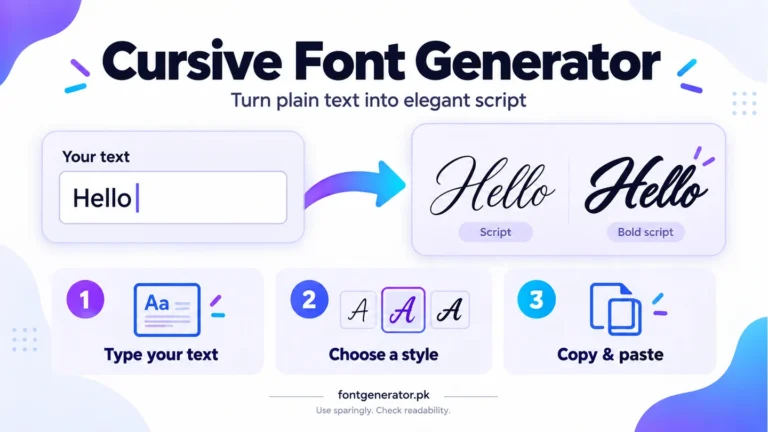
Head to the tool, type your text, filter by Old English or Gothic, and tap to copy. It takes less than thirty seconds. For a softer alternative, compare cursive text styles; for profile placement, see our Instagram bio guide.