Discord Font Generator – Fancy Text for Servers, Usernames, and Bios
Discord gives you limited control over how your text looks. By default, everything appears in the same font. But there is a way to make your username, server bio, or channel names look different from every other account in the server — and it does not require any plugin, mod, or Nitro subscription.
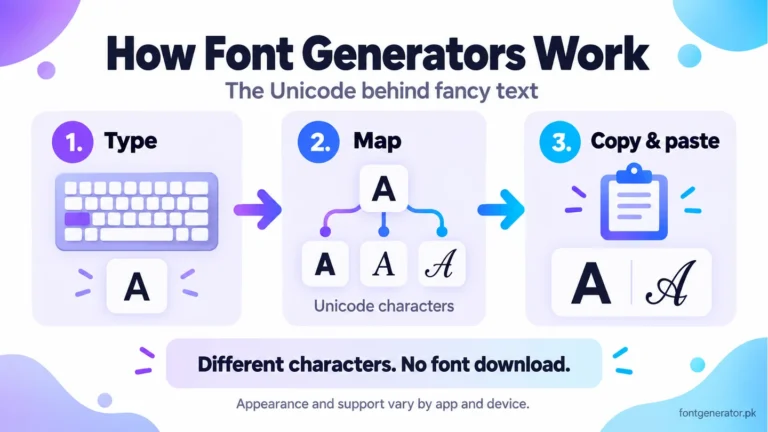
A Discord font generator uses Unicode characters to produce styled text that Discord renders the same way it renders any other text. You copy the output and paste it wherever you need it in Discord. That is the entire workflow. Our explanation of how Unicode font generators work covers why the copied characters keep their appearance.
Pinned & recent
tap to copyWhat Actually Works in Discord for Fancy Text?
Before you start generating fonts, it helps to know where Discord actually lets you use custom Unicode text, because Discord has some restrictions depending on the field. Check Discord’s official username and display-name rules; for messages, Discord’s Markdown guide explains native bold, italic, and other formatting.
Display Name
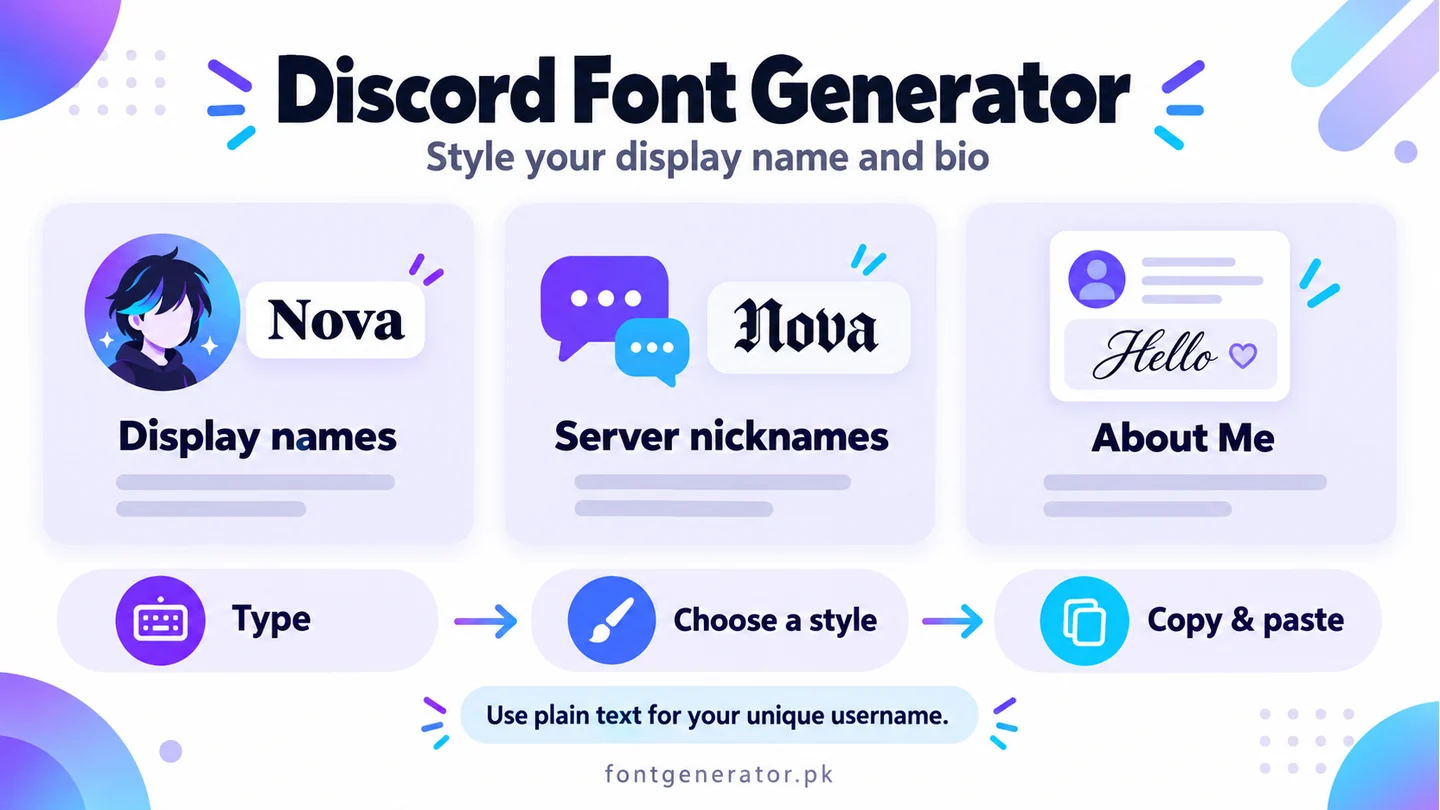
This is the name that shows up in servers, in chat, and on your profile. Discord allows Unicode characters in display names, including cursive script, bold, italic, gothic (Fraktur), and bubble text characters. This is the most visible place to use a custom font style.
Server Nickname
Inside a server, you can set a nickname separate from your global display name. Unicode characters work in server nicknames too. This means you can have a stylized nickname in a specific server that matches that server’s aesthetic, while your global display name looks different.
Bio / About Me
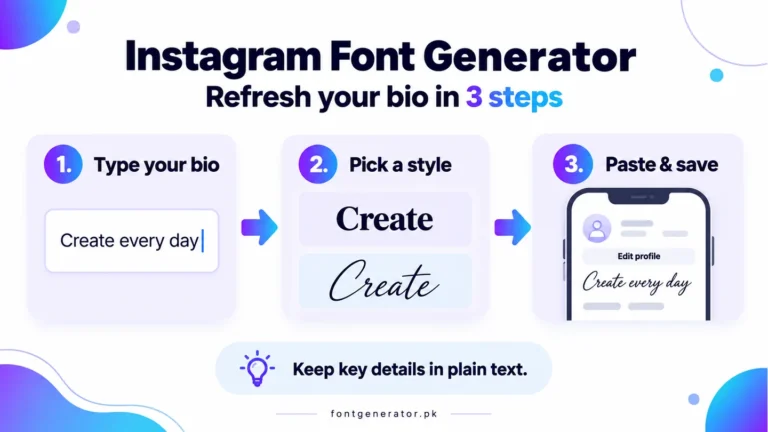
Discord’s user profiles include a bio section. Unicode font text works here. You can use cursive, bold, or gothic styles to make your bio visually distinct from the standard text everyone else uses.
Status
Custom status text supports Unicode characters. This is a useful place for a short styled line — a motto, a current activity, or a short brand message.
Server Descriptions and Channel Names
Server owners and admins can use Unicode font text in server descriptions and channel names. This is a popular technique for making a server’s channel list look more distinctive. Gothic headers for a gaming server, cursive category names for an aesthetic community server — the style can reinforce the server’s identity before a new member reads a single message.
Messages
You can paste Unicode text into Discord messages. Note that Discord also has its own built-in Markdown formatting — bold, italic, underline — which works differently from Unicode font styles. Unicode font styles change the actual characters; Discord Markdown formatting changes how standard characters are displayed within Discord’s interface only. Both can be used together.
How to Use a Discord Font Generator
- Go to fontgenerator.pk.
- Type your Discord username, nickname, or the text you want to style.
- Browse the results — bold, italic, cursive, gothic, bubble text, and more.
- Tap any result to copy it to your clipboard.
- Open Discord and paste the text into the relevant field — display name, bio, status, message, or channel name.
The whole process takes under a minute. You do not need to log in, install anything, or pay for anything.
Best Font Styles for Discord
Gothic / Old English (Fraktur)
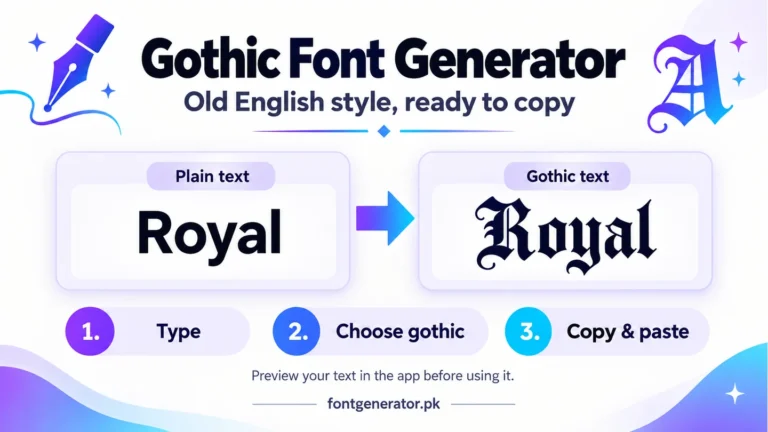
The most popular style in gaming and alternative communities. Gothic Unicode text in a Discord username immediately reads as serious and distinctive. It works especially well in gaming servers, metal music servers, and any community with a dark or alternative aesthetic.
Cursive / Script
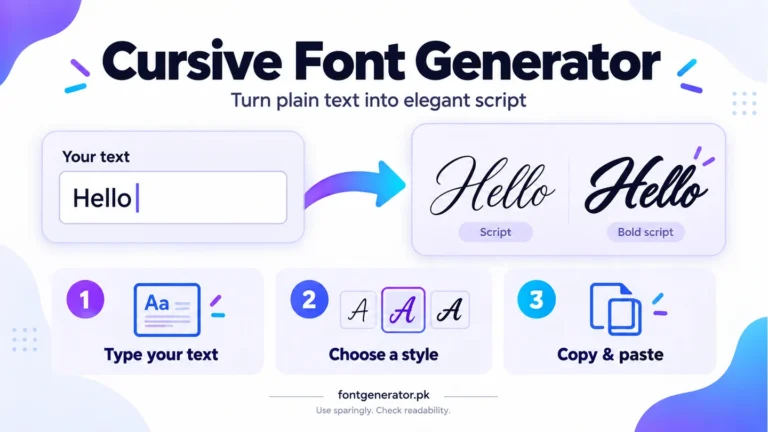
Elegant and flowing. Popular in art communities, writing servers, and aesthetic-themed Discords. Cursive text in a display name creates a personal, creative impression.
Bold Italic
Strong and assertive. Works well for admins and moderators who want their name to visually stand out from regular members without going fully decorative. A bold italic display name is distinctive but still easy to read.
Bubble Text
Each letter in a circle. Playful and highly visible. Great for fun, meme-focused, or casual servers where the tone is light and conversational.
Small Caps / Subscript
Tiny characters that create a unique visual size contrast in a display name. Popular in aesthetic Discord communities and among users who want a subtle, understated styled look rather than something immediately eye-catching.
Discord Font Generator vs. Discord Markdown
Discord’s built-in Markdown is worth understanding because it is often confused with what a font generator does.
Discord Markdown lets you format text in messages using syntax like **bold** and *italic*. This formatting only works inside Discord messages — it does not transfer when you copy the text, and it does not work in display names or bios.
Unicode font text from a font generator works differently. You are using different characters, not applying formatting to standard characters. The styled text looks the same everywhere — in messages, in usernames, in bios — and stays styled when you copy and paste it outside of Discord. If you want to style your Discord username or bio, you need Unicode characters from a font generator.
Can Discord Bots Read Unicode Font Text?
Yes. Discord bots receive message content as Unicode text. A bot that reads or logs messages will receive the Unicode font characters the same way it receives regular characters. For most bot commands and interactions, this does not matter — the bot handles the interaction regardless of the character style.
However, if a bot is parsing specific commands or keywords typed in Unicode font characters rather than standard letters, the bot may not recognize the command. Always use standard characters for bot commands. Use Unicode font styles only for display purposes.
Server Branding with Unicode Text
One underused application of Discord font generators is server branding. Server owners can use Unicode text strategically to give their server a more polished, branded appearance:
- Category headers in gothic text — creates a visual structure that feels intentional and on-theme for gaming or alternative communities
- Welcome channel name in cursive — softens the first impression for new members entering a creative or lifestyle community
- Rules channel with bold serif header text — signals authority and seriousness without being harsh
- Bot-only channels with stylized names — helps members visually identify the channel’s purpose at a glance
This kind of attention to visual consistency in a server channel list is a signal of an actively managed, high-quality server — and that matters for member retention and word-of-mouth growth.
Does Discord Nitro Unlock Better Fonts?
No. Discord Nitro gives you animated avatars, custom emoji usage across servers, higher file upload limits, and banner backgrounds — but it does not unlock additional font styles. The ability to use Unicode font text in your Discord display name and bio is available to every Discord user, free or paid.
Frequently Asked Questions
Can I use a different font in my Discord username?
Yes, using Unicode font characters from a font generator. You cannot change the actual font Discord uses to render text, but you can use characters that look like different fonts. These Unicode characters display in your username the same way regular letters do.
Will using a font generator get my Discord account banned?
No. You are pasting text characters into Discord fields — the same type of action as typing any other text. Discord does not ban accounts for using Unicode characters. Millions of Discord users use styled text in their usernames and bios.
Why does my styled username look different on mobile vs. desktop?
Font rendering varies slightly between operating systems and Discord’s desktop and mobile apps. Most Unicode font characters look identical across platforms. In rare cases, a specific character might render with slightly different proportions on iOS vs. Android vs. Windows. Test your styled name on both platforms before settling on it.
Can I use emoji and Unicode font text together in a Discord name?
Yes. Emoji and Unicode font characters can be combined in a single display name or bio. A common pattern is: emoji at the start, styled username in the middle, emoji at the end. Just keep in mind that emoji count toward Discord’s display name character limit.
Style Your Discord Profile Now
Your Discord display name and bio are the first things people notice about you in a server. Styled text makes a stronger first impression than the same default font everyone else uses.
Use our free Discord font generator to find the style that works for you. Type your name, browse the results, copy, and paste into Discord. Done in under a minute.